Step 5: Compile the lexical model
Before we can test the lexical model, we must compile it. In this step, the .tsv wordlist and .model.ts model definition get compiled
into a single .model.js file. Later on, we will bundle the .model.js file into a
lexical model package so that Keyman apps can install the lexical model.
Models tab
In Keyman Developer project view, select the "Models" tab.
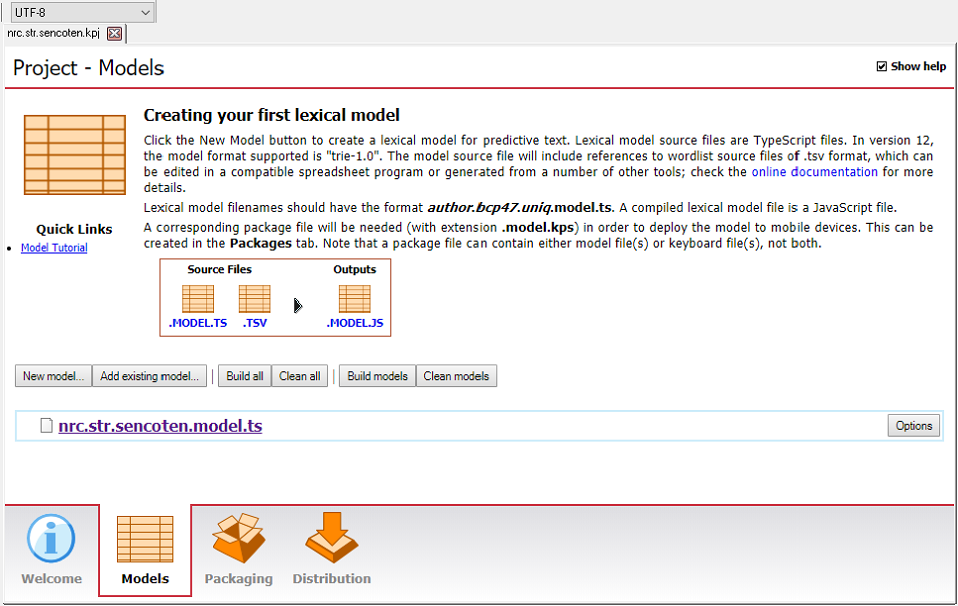
Click on the button to compile the lexical model.
The Message window will display the results of the compilation; if you have no typing errors, the lexical model should compile successfully.
If successful, this will create a .model.js file in a build subdirectory of the lexical model project directory.
Now that the model is built, we are ready to test our lexical model.