Predictive-Text Settings and the Banner - Keyman for iPhone and iPad Help
About the Keyboard Banner
Keyman keyboards now always display a banner above the keyboard for one of the following functionalities:
- Display suggestions (See "Using the Suggestion Banner" below)
- Display a Keyman-themed banner so popups and gestures for the top row of keys are visible
- Reserved for future functionality
Adjusting Text Suggestion Settings
The banner mode can be controlled by going to Keyman Settings --> (select an installed language)
At the bottom of the language settings menu are three controls for the banner:
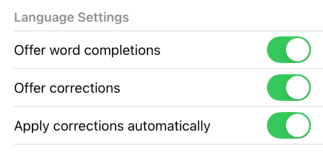
- Offer word completions (Suggestion banner displays predictions; shows a flat image-banner if disabled)
- Offer corrections (Suggestion banner displays predictions and corrections)
- Apply corrections automatically (Tapping the space bar may automatically apply the best suggestion)
Using the Suggestion Banner
If a dictionary is installed and enabled for the active Keyman keyboard, the banner will display suggestions that can be selected.
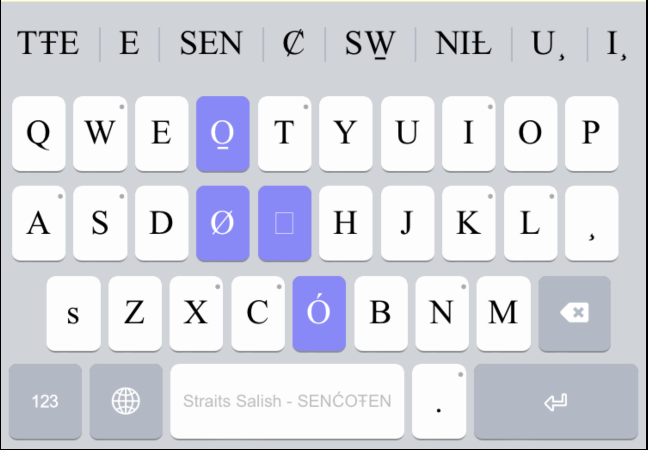
- Drag the banner horizontally to see more suggestions
- Overly-long suggestions are partially hidden, but expand when a finger is held on them
- The banner will display up to 8 suggestions at a time.
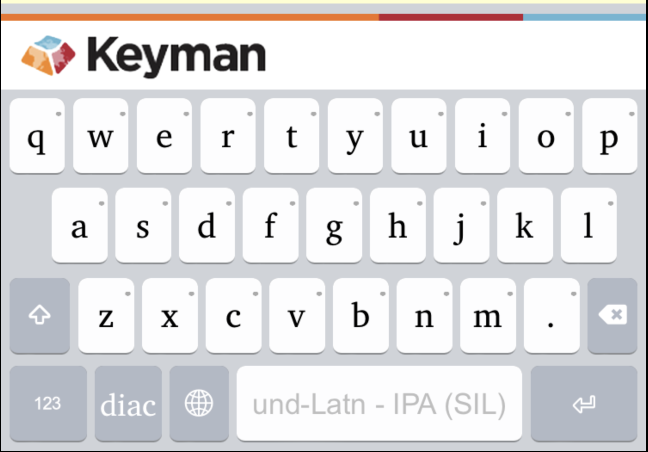
The Keyman-Themed Banner
When suggestions are disabled or unavailable, the Keyman-themed banner will display instead. This is displayed so that key-popups and gestures for the top row of keys are visible.