Software Task - Update Keyman for Windows
Check for Updates Automatically
Keyman can check for updates automatically. Here\'s how:
-
Open Keyman.
-
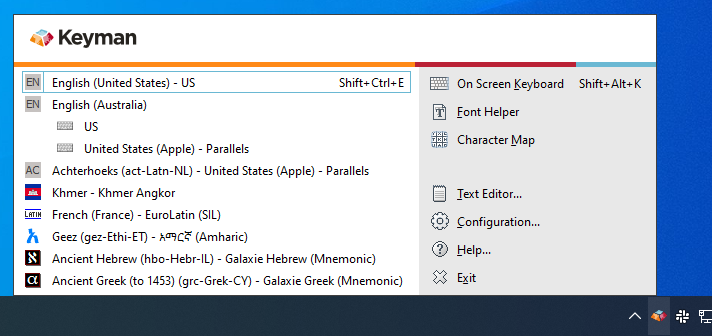
Open Keyman Configuration, from the Keyman menu (on the Windows Taskbar near the clock).
-
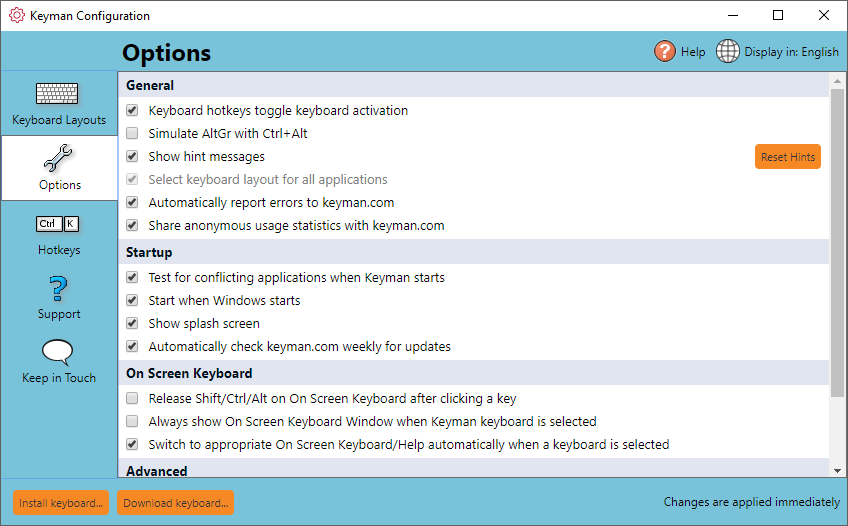
Select the Options tab.
-
Tick \'Automatically check for updates and download\'
Check for Updates Manually
You can check for updates at any time. Here\'s how:
-
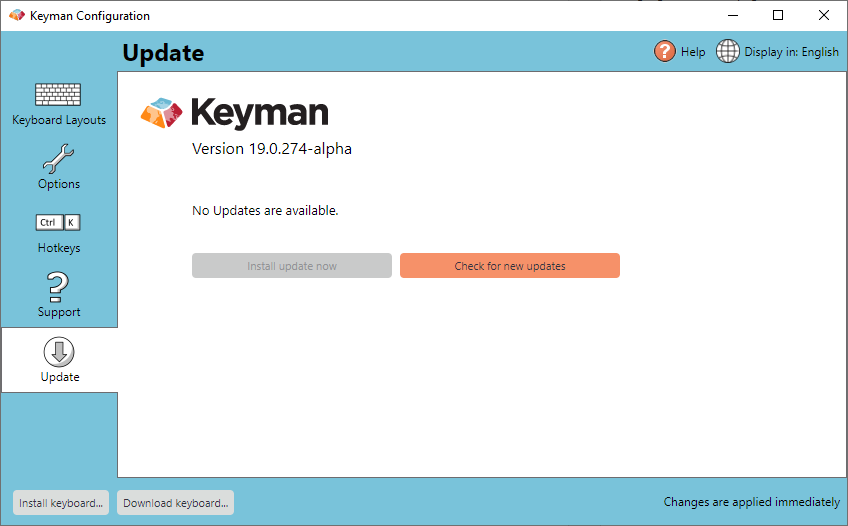
Select Update tab and click \'Check for new updates\'.
-
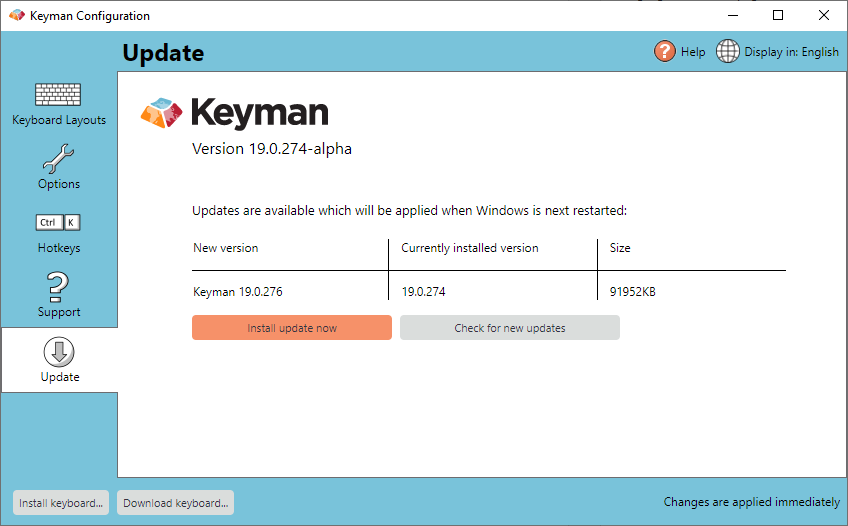
Click \'Install update now\'.
Updating Manually
You can manually update Keyman at any time by downloading and installing Keyman for Windows again from the Keyman Website.